
3D Printing is a type of additive creating. After designing a digital 3D model, the printers construct a 3D object from this model layer by layer. In our lab we have three types of printers; the Bambu A1 Mini, the Bambu X1 Carbon, and the Bambu H2D. Our Bambu Printers have two types of plates, Textured PEI Plates which heat up to allow the filament to stick to it and Cool Plates/PLA Plates where you have to apply glue to get the filament to stick.
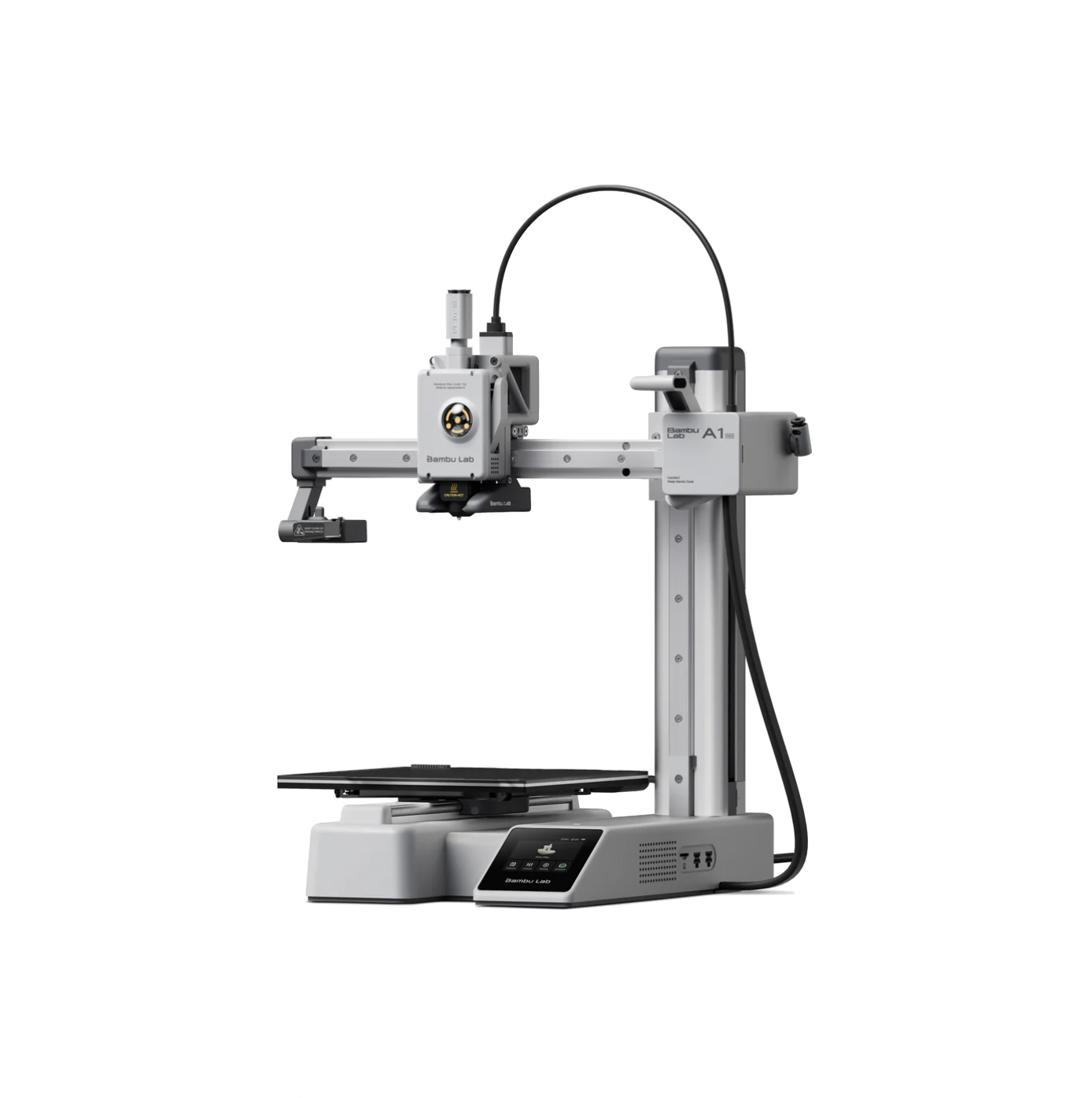
Bambu A1 Mini
Fast and quiet, hot plates and cool plates, single color
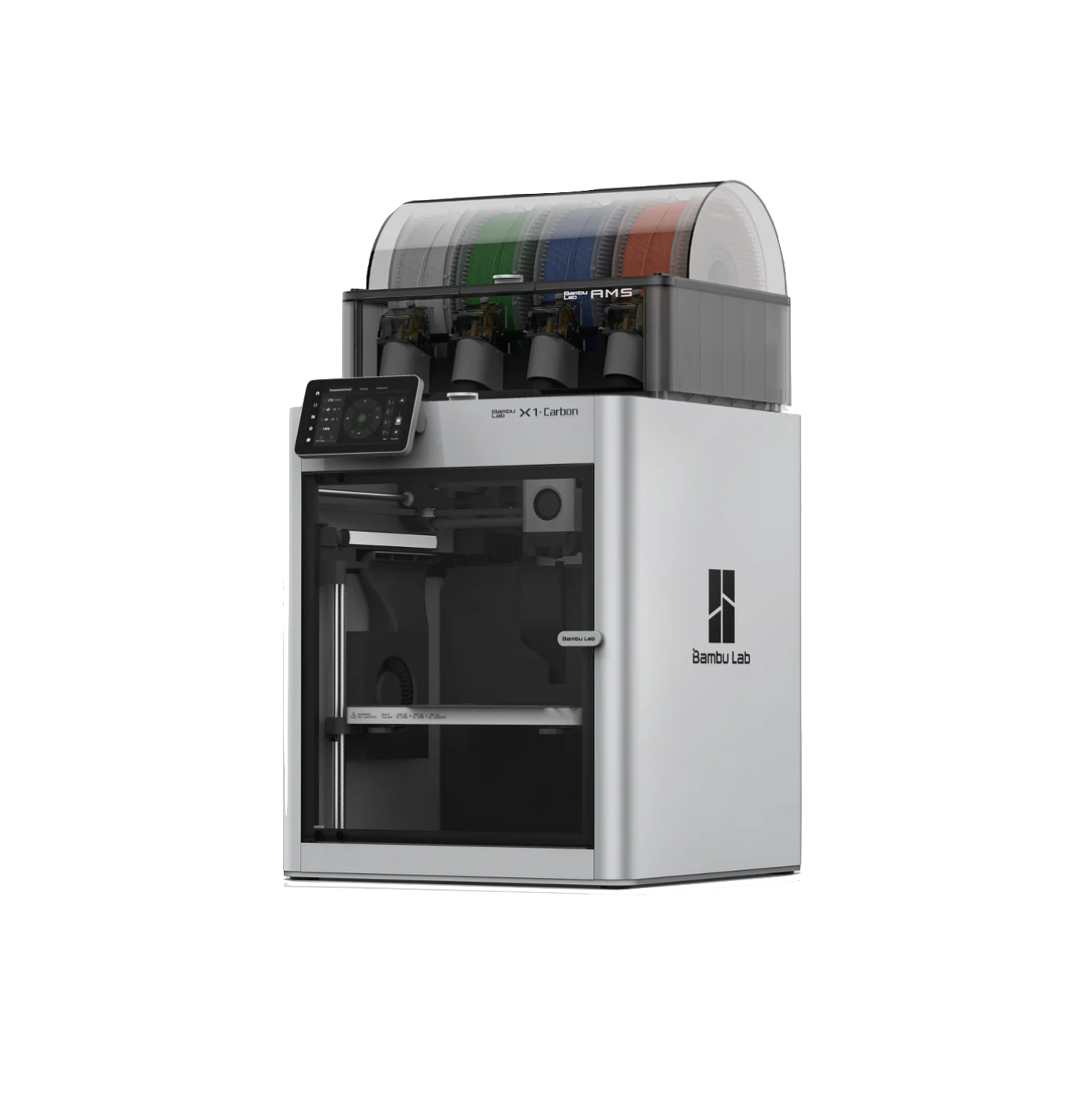
Bambu X1 Carbon
Fast, uses cool plates, multicolor (up to four colors)
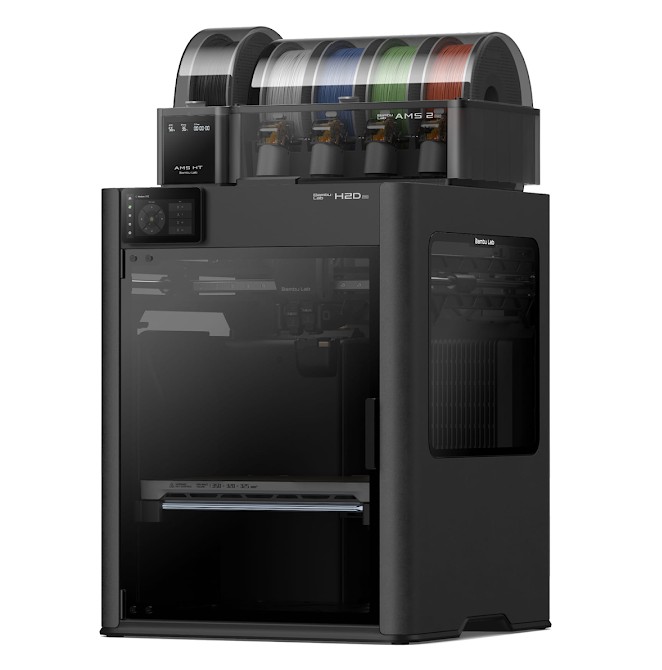
Bambu H2D
Multi-color, dual nozzle, textured plates, large build volume
Finding or Making a Design
You can make your own designs on using CAD software like Fusion 360 or Blender, or on web based software like TinkerCAD or Onshape. You can also find a pre-designed model to print on websites like Thingiverse, Printables, Cults, and Thangs.
Bambu Studio
In the VIL, we use the application Bambu Studio in order to print over wifi. Once you have your design, you can use a lab computer that has Bambu Studio to print or you can download it on your personal computer, sign in to the VIL account and print from there. Bambu Studio allows you to upload designs in either .stl or .3mf format. Further instructions on Bambu Studios and how to print are in the training module above.
If you want to read more about the 3D printers or are trying to troubleshoot a problem, you can download the user manual above for additional information.